Occupancy management
Live headcount for stores, halls or floors, with alerts when limits are crossed.
- Runs on
- Edge device or cloud
- Cameras
- Any IP camera, NVR or DVR
- Set-up
- Zone · Statistic
Switched on per camera, in minutes.
Footfall, conversion, theft and analytics. Each rule is configured on the camera it watches, with its own limits and hours, and goes live without touching the camera itself.
- 01Draw the zone
Mark the area the camera should watch. Anything outside it is ignored, so alerts stay relevant.
- 02Trends and reports
Results are stored per site and hour and shown on dashboards, with exports for reporting.
- 03Runs on the edge
Inference happens on a small NovaCortiX Edge device on site. No video leaves your premises.
- 04Alerts and reports
Alerts reach your team on the console, by email or on WhatsApp, with the clip attached. Everything is logged per site for reports.
Often switched on together.
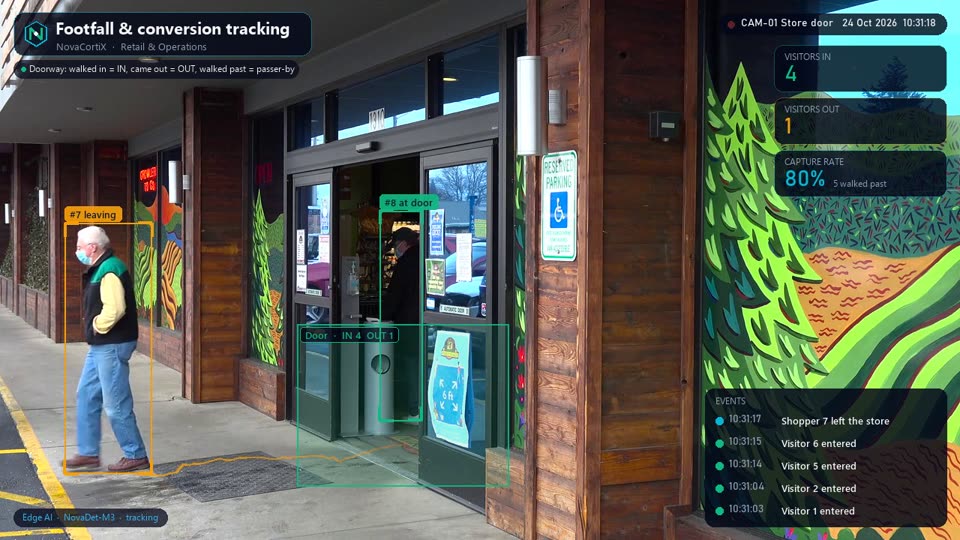 DemoRetail & OperationsFootfall & conversion tracking Count people in and out, measure how many converted to buyers — per entrance, per hour, per store — with full ROI analytics.
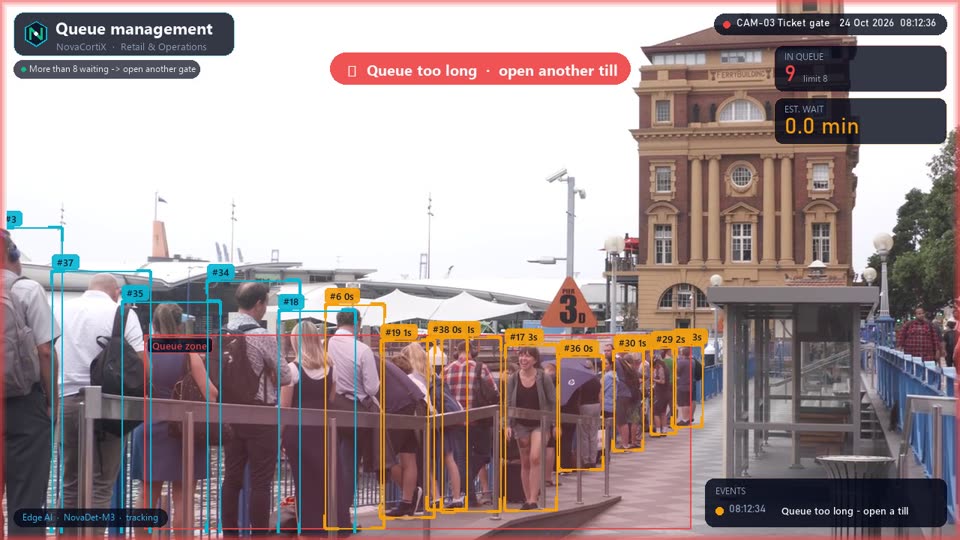 DemoRetail & OperationsQueue management Alert when billing, ticket or food-counter queues grow too long — with one rule per queue.Retail & OperationsTheft detection Detect suspicious behaviour — shoplifting patterns, vehicle break-in attempts and unauthorised removal of goods — in real time.
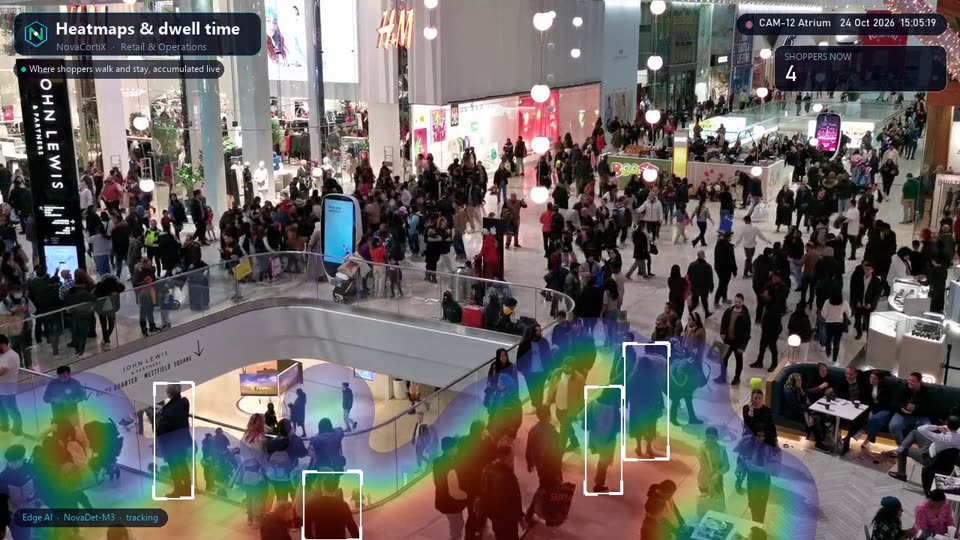 DemoRetail & OperationsHeatmaps & dwell time Visualise where people spend time in stores, malls and venues to optimise layout, staffing and product placement.
See Occupancy management on your cameras
Tell us about your sites and we’ll set up a pilot of Occupancy management on your existing cameras or data, usually within a couple of weeks.
Request a pilot
Fill in your details and we'll get back within 24 hours.