Zone condition checks
Describe what "normal" and "wrong" look like in plain words — get an alert when conditions deviate.
- Runs on
- Edge device or cloud
- Cameras
- Any IP camera, NVR or DVR
- Set-up
- Zone
Switched on per camera, in minutes.
Kitchen SOP, compliance and agentic audit reports. Each rule is configured on the camera it watches, with its own limits and hours, and goes live without touching the camera itself.
- 01Draw the zone
Mark the area the camera should watch. Anything outside it is ignored, so alerts stay relevant.
- 02Runs on the edge
Inference happens on a small NovaCortiX Edge device on site. No video leaves your premises.
- 03Alerts and reports
Alerts reach your team on the console, by email or on WhatsApp, with the clip attached. Everything is logged per site for reports.
Often switched on together.
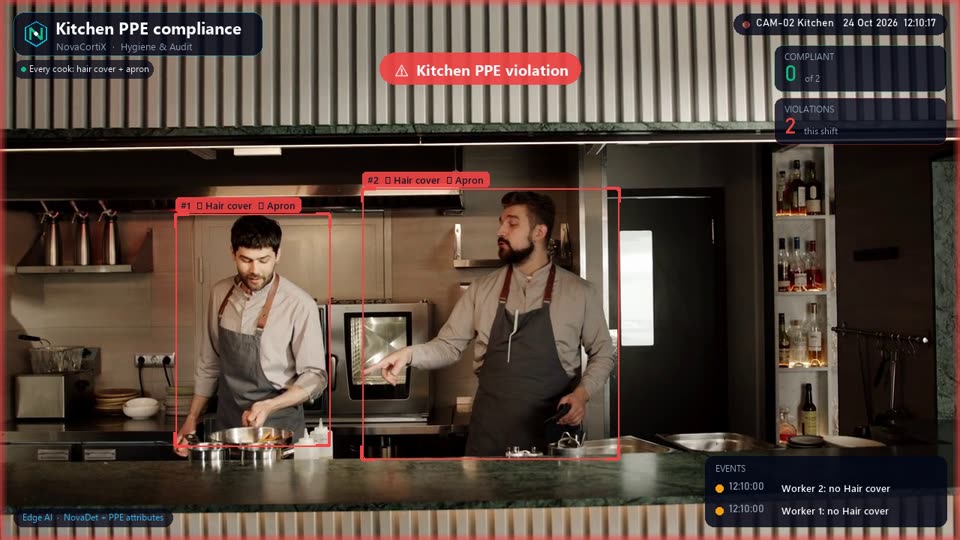 DemoHygiene & AuditKitchen PPE compliance Ensure staff wear the right gear — aprons, caps, gloves, hairnets — configurable per kitchen area.
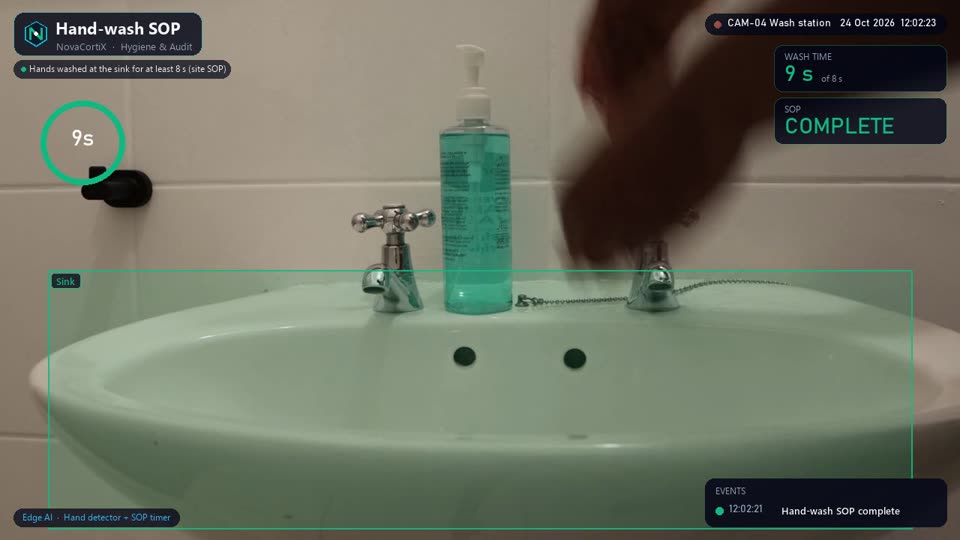 DemoHygiene & AuditHand-wash SOP Verify required hygiene actions happen when staff enter food-prep zones.Hygiene & AuditAgentic audit reports Upload images from any facility — hospitals, restaurants, factories — and our agentic AI flow generates complete audit reports automatically. Works for all industries.
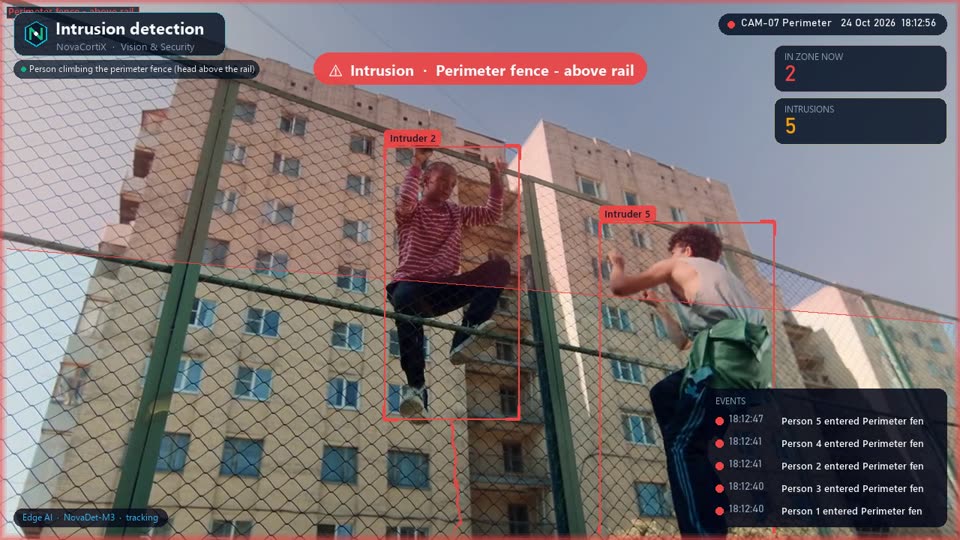 DemoVision & SecurityIntrusion detection Alert the moment a person enters a restricted area — ATM lobbies, back offices, perimeters — using our in-house detection models on edge or cloud.
See Zone condition checks on your cameras
Tell us about your sites and we’ll set up a pilot of Zone condition checks on your existing cameras or data, usually within a couple of weeks.
Request a pilot
Fill in your details and we'll get back within 24 hours.