Idle workstation
Know which stations are staffed, which stand idle, and line utilisation per shift — supervisors are notified automatically.
- Runs on
- Edge device or cloud
- Cameras
- Any IP camera, NVR or DVR
- Set-up
- Zone · Statistic
Switched on per camera, in minutes.
PPE, machine guards, forklifts and fire exits. Each rule is configured on the camera it watches, with its own limits and hours, and goes live without touching the camera itself.
- 01Draw the zone
Mark the area the camera should watch. Anything outside it is ignored, so alerts stay relevant.
- 02Trends and reports
Results are stored per site and hour and shown on dashboards, with exports for reporting.
- 03Runs on the edge
Inference happens on a small NovaCortiX Edge device on site. No video leaves your premises.
- 04Alerts and reports
Alerts reach your team on the console, by email or on WhatsApp, with the clip attached. Everything is logged per site for reports.
Often switched on together.
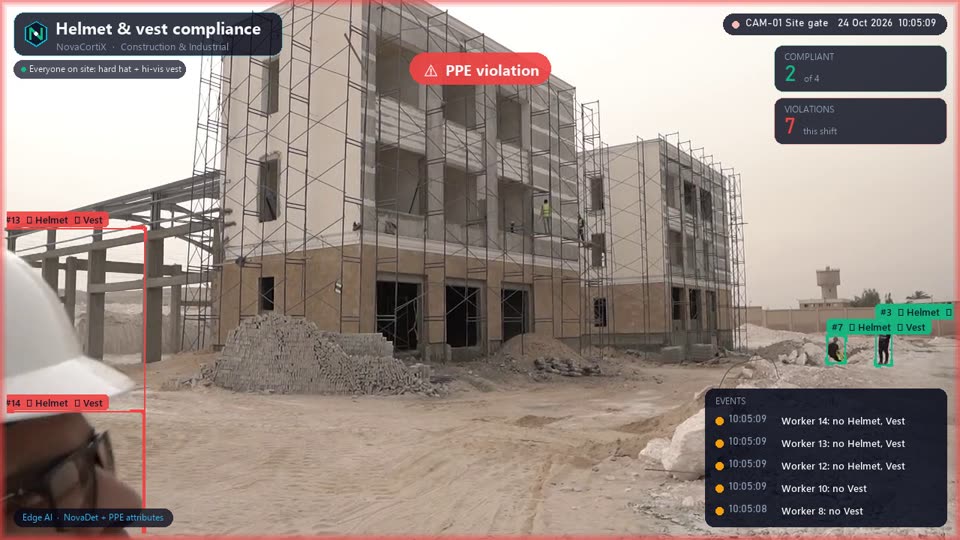 DemoIndustrial & SafetyHelmet & vest compliance Every worker on site checked for hard hat and hi-vis vest, with violations logged per shift and per contractor.
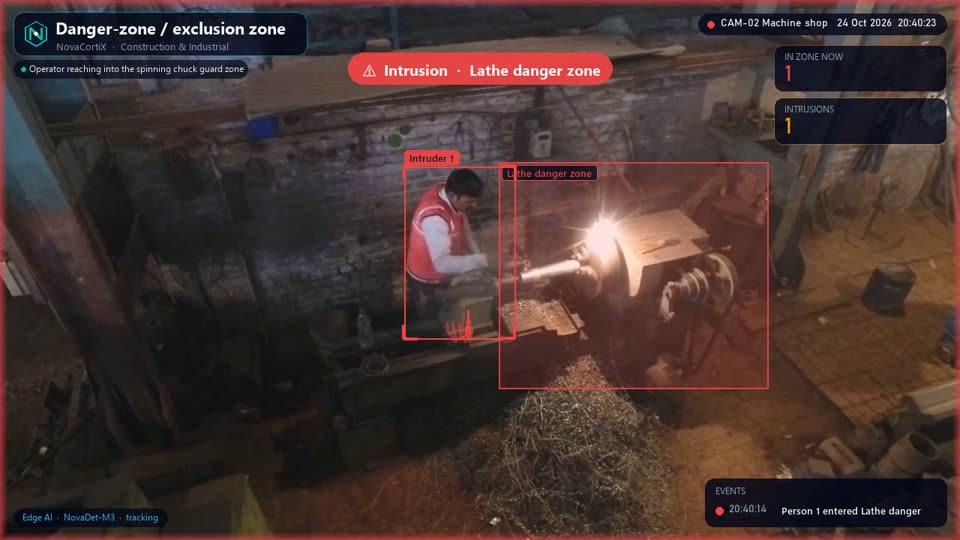 DemoIndustrial & SafetyDanger-zone / exclusion zone Alert when anyone reaches into a running machine’s guard zone, a crane swing radius or a live electrical area.
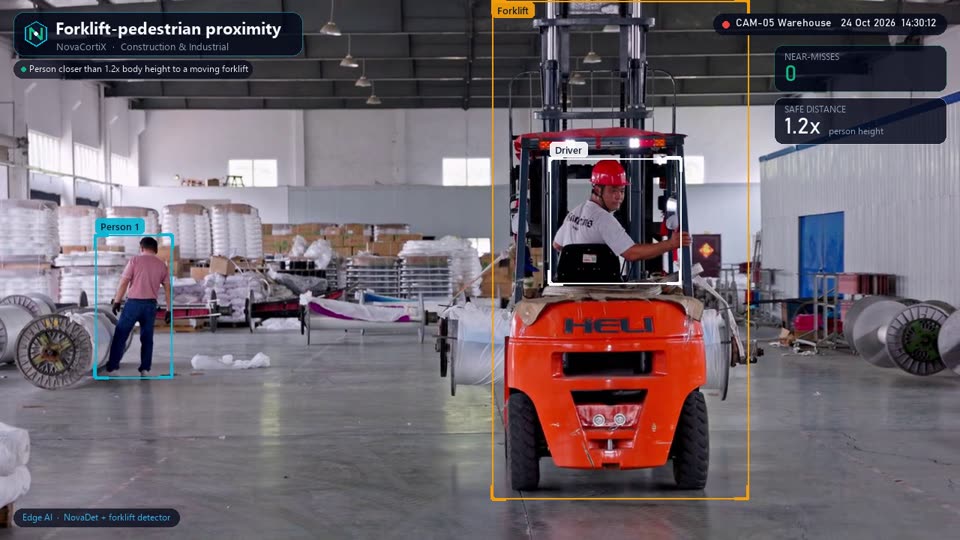 DemoIndustrial & SafetyForklift-pedestrian proximity Near-miss alerts when people walk too close to a moving forklift — the driver is recognised and ignored.
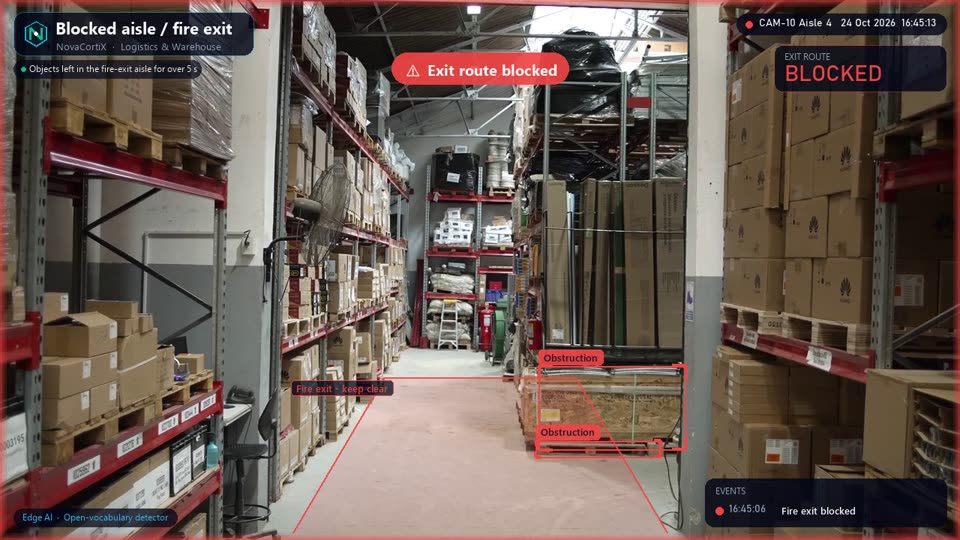 DemoIndustrial & SafetyBlocked aisle / fire exit Pallets, boxes or carts left in fire-exit routes and aisles are flagged before an audit or an emergency finds them.
See Idle workstation on your cameras
Tell us about your sites and we’ll set up a pilot of Idle workstation on your existing cameras or data, usually within a couple of weeks.
Request a pilot
Fill in your details and we'll get back within 24 hours.