After-hours activity
Any detection rule can be scheduled — activate night-time alerts while ignoring daytime traffic.
- Runs on
- Edge device or cloud
- Cameras
- Any IP camera, NVR or DVR
- Set-up
- Schedule
Switched on per camera, in minutes.
Intrusion, fire, weapons and perimeter protection. Each rule is configured on the camera it watches, with its own limits and hours, and goes live without touching the camera itself.
- 01Set the hours
Arm the rule only when it matters, for example after closing time or on weekends.
- 02Runs on the edge
Inference happens on a small NovaCortiX Edge device on site. No video leaves your premises.
- 03Alerts and reports
Alerts reach your team on the console, by email or on WhatsApp, with the clip attached. Everything is logged per site for reports.
Sectors already using this use case.
Often switched on together.
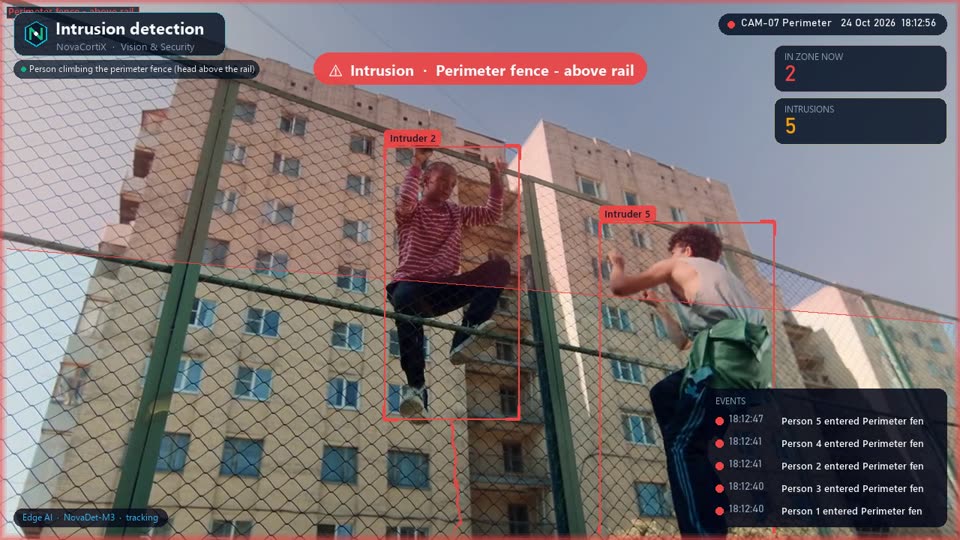 DemoVision & SecurityIntrusion detection Alert the moment a person enters a restricted area — ATM lobbies, back offices, perimeters — using our in-house detection models on edge or cloud.
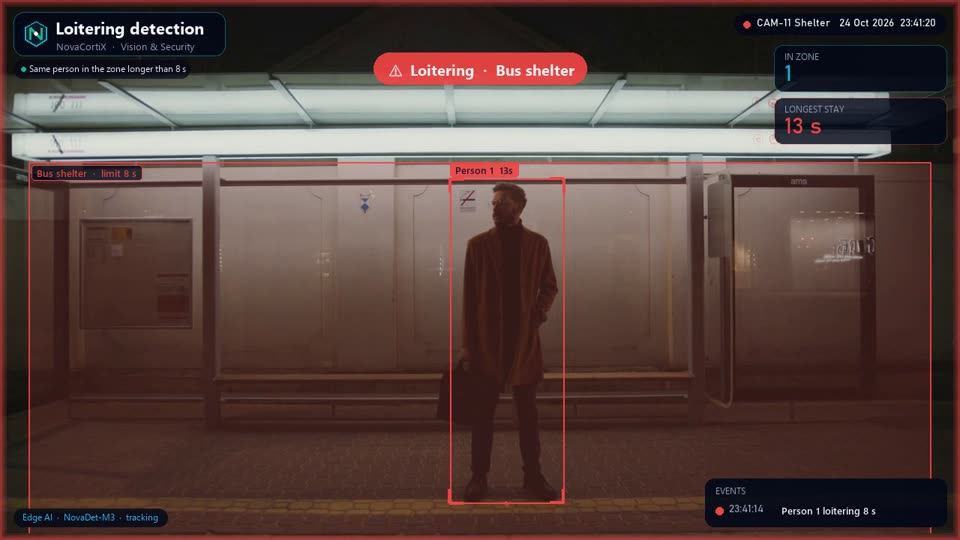 DemoVision & SecurityLoitering detection Flag anyone lingering beyond your set threshold in sensitive zones like ATMs, entrances or cash counters.
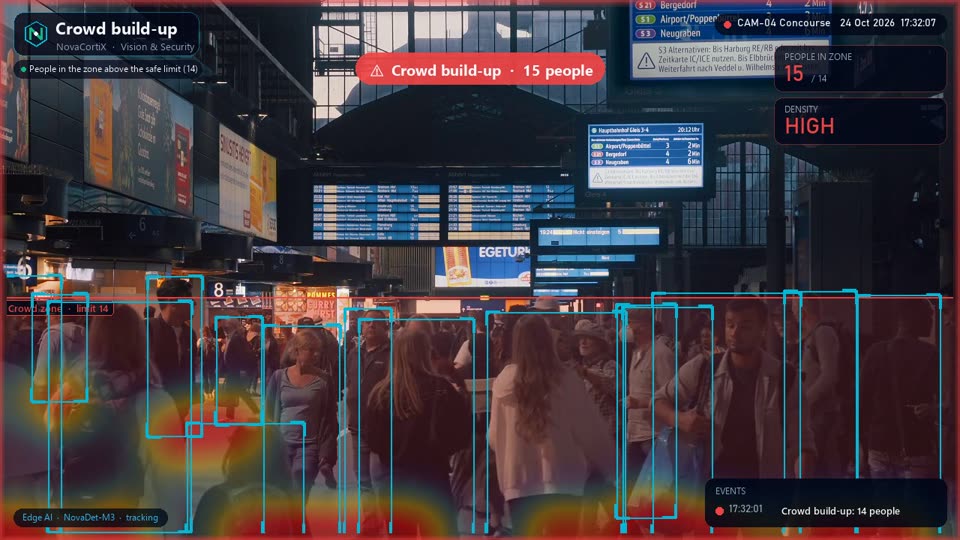 DemoVision & SecurityCrowd build-up Real-time crowd density alerts when the number of people in any area crosses your limit.
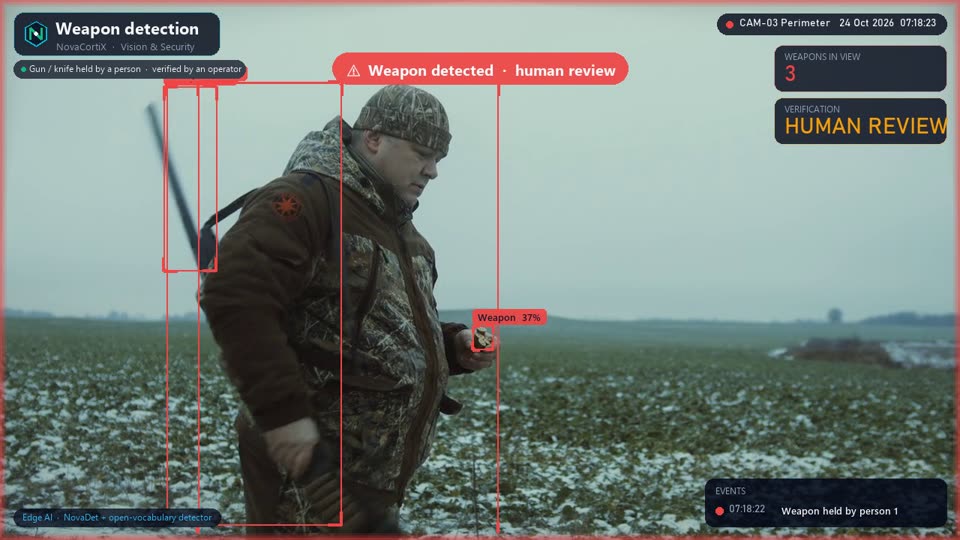 DemoVision & SecurityWeapon detection Firearms and weapons flagged instantly by our specialised models, always escalated for human confirmation.
See After-hours activity on your cameras
Tell us about your sites and we’ll set up a pilot of After-hours activity on your existing cameras or data, usually within a couple of weeks.
Request a pilot
Fill in your details and we'll get back within 24 hours.